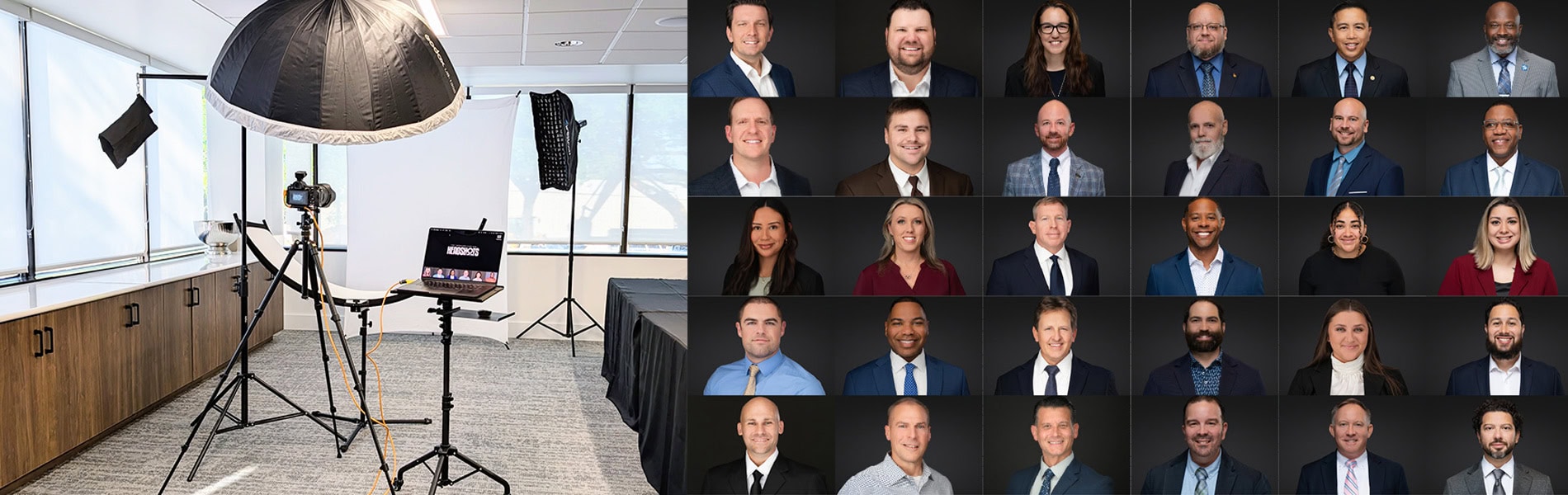


You’ve Got the Headshot, Now What? The Definitive Guide to Maximizing Your Image ROI
How to use professional headshots is the first question clients ask me once they receive their final gallery. Most professionals upload their new photo to LinkedIn and stop there. That is a mistake. Limiting your professional image to a single platform leaves massive value on the table.
Your face is your logo. Whether you are a corporate executive in Tampa or a business owner in Lakeland, your headshot is a digital asset that builds trust, humanizes your brand, and shortens sales cycles—but only if you actually use it.
TL;DR: This guide covers 13 strategic placements for your headshot, ranging from the obvious (LinkedIn) to the high-ROI (email signatures, pitch decks, and invoices). It also includes a technical cheat sheet for file sizes and cropping. Last updated: January 2026.
The Headshot Strategy Guide
Why “Deployment” Matters More Than “Download”
I have photographed thousands of professionals, from the team at Cushman & Wakefield to independent consultants. The clients who get the most return on their investment are the ones who practice Visual Consistency.
When a prospect sees the same high-quality image on your LinkedIn, your email signature, and your Zoom profile, it creates a “psychological anchor.” They feel like they know you before they meet you. In a digital-first world, familiarity breeds trust.
Here is exactly how to deploy your new image.
Phase 1: Digital Identity (The Must-Haves)

1. The Email Signature (The Trust Builder)
You likely send 5,000+ emails a year. Each one is a micro-interaction. If you are sending “cold” emails or negotiating contracts, a faceless email can feel robotic.
The Strategy: Add a small, circular crop of your headshot next to your contact info.
Why it works: It humanizes the text. It reminds the recipient that there is a real person on the other end of the message, which can de-escalate tense email threads and increase response rates on sales outreach.
Pro Tip: Use the “Web Resolution” file. Do not use the full-res print file, or your email will be 10MB and get blocked by corporate firewalls.
2. The “Virtual Handshake” (Zoom, Teams, Slack)
Remote work is permanent. When you turn your camera off during a Microsoft Teams or Zoom call, do your colleagues see a black box with your initials?
The Strategy: Upload your professional headshot to your Zoom, Google Meet, and Slack profiles immediately.
Why it works: It keeps you “present” in the room even when you are muted. For large organizations, it helps cross-departmental teams recognize you in the hallways at the next quarterly meeting.
3. The LinkedIn “Featured” Section
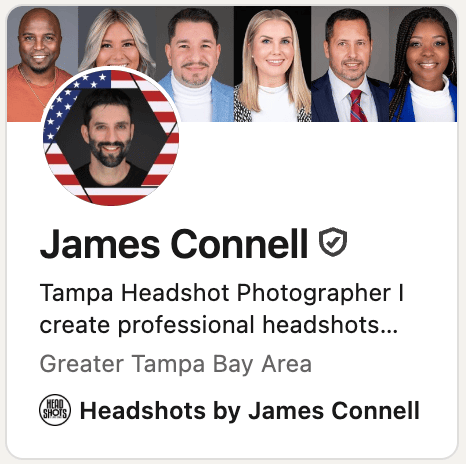
Everyone updates their profile picture. Few people use the “Featured” section correctly.
The Strategy: Create a LinkedIn post introducing yourself, your role, and your core service. Use your new headshot (preferably a landscape/horizontal crop) as the visual. Pin this post to your “Featured” section.
Why it works: It turns your profile from a static resume into a dynamic introduction.
4. The Mobile “Contact Poster” (iOS & Android)
This is the most underutilized feature in 2026 business networking.
The Strategy: Update your “My Card” in your contacts. When you text a client or call a prospect who has an iPhone, your professional photo will take up their full screen.
Why it works: It looks incredibly polished. Instead of a grey silhouette or a spam warning, the client sees a friendly, high-quality image of the person calling them.
Phase 2: Sales & Marketing (The Money Makers)
5. The “Meet the Team” Slide
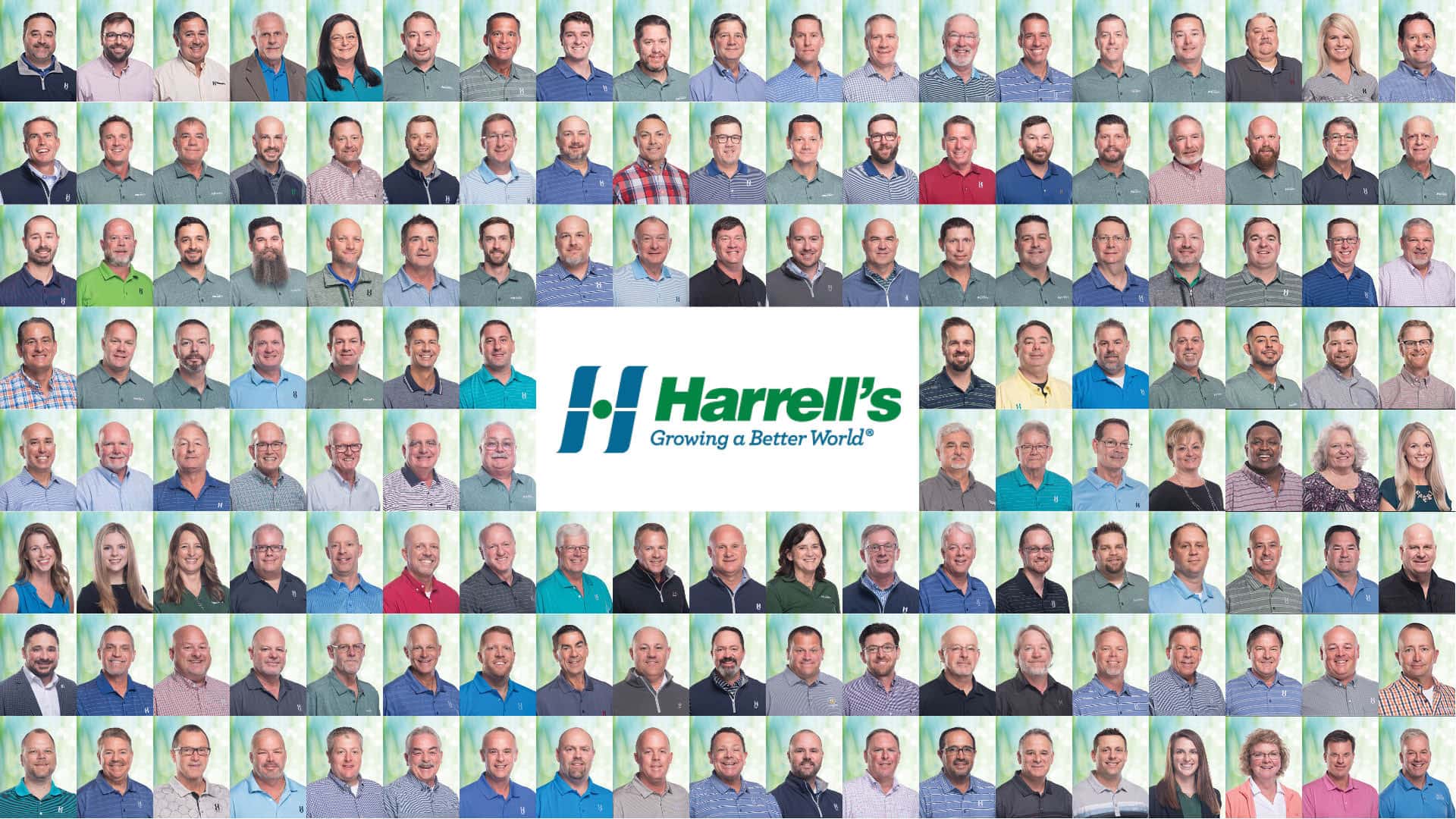
If you are pitching a contract to a company like Harrell’s LLC (who I’ve worked with for 5 years), they aren’t just buying your product; they are buying you.
The Strategy: Do not just list names on your “Team” slide. Use consistent corporate headshots for every key member of the account.
Why it works: It proves capacity. It shows the prospect that real, capable humans are ready to handle their business. It reduces the anxiety of hiring a “faceless” vendor.
6. Invoices and Proposals
This is a psychological hack that freelancers and consultants love.
The Strategy: Place a small headshot in the header or footer of your invoices and RFP responses.
Why it works: It makes the debt human. It is much harder to ignore an invoice from “James” than an invoice from “Invoice #4092.” It subtly reminds the client of the relationship and can actually improve payment speed.
7. Calendly & Booking Pages
Before a client meets you, they book you.
The Strategy: Ensure your scheduling page (Calendly, Acuity, HubSpot) features your smiling headshot.
Why it works: It reduces “Booking Anxiety.” Seeing a friendly face confirms they are booking the right person and sets a warm tone for the upcoming meeting.
8. Business Cards & Flyers
In relationship-heavy industries like real estate (Realtors) and insurance, the face is the brand.
The Strategy: If you network offline at the Tampa Bay Chamber, put your face on the card.
Why it works: People throw away cards with logos. They hesitate to throw away cards with faces. It triggers a biological recognition response that increases retention.
Phase 3: The “Pro Moves” (Unexpected Uses)
9. WhatsApp & Signal for Business
International business moves on WhatsApp. If your profile photo is a blurry selfie or your dog, you are losing credibility before the chat starts. Keep it professional.
10. The “Speaker One-Sheet”
If you want to speak at conferences at the Tampa Convention Center, you need a “One-Sheet” (a PDF media kit). Embed your high-res headshot there so event planners don’t have to chase you for it.
11. Login Screens
It sounds trivial, but setting your login user icon on your Mac or Windows machine to your professional headshot sets a tone. Every morning when you log in, you see the “Professional You.” It’s a subtle confidence booster.
12. The Company “About” Page
If your company website still has a placeholder image or a crop from a wedding photo, fix it. The “About Us” page is often the second most-visited page on B2B websites. Visitors want to see who they are hiring.
13. Press Kit (Dropbox Link)
Create a folder in Dropbox or Google Drive containing your Bio and your High-Res Headshots. Put this link in your email signature. When PR opportunities knock, you are ready in seconds.
Bonus: The Technical Dimensions Cheat Sheet
Stop guessing. Here are the crop ratios you need for the most common platforms.
| Platform | Recommended Crop | File Type |
|---|---|---|
| LinkedIn Profile | Square (1:1) | JPG or PNG |
| Instagram / Twitter | Circular (Upload as Square) | JPG |
| Website Hero | Landscape (16:9) | WebP (Fast Loading) |
| Print / Magazine | Portrait (4:5) | High-Res JPG (300 DPI) |
| Email Signature | Small Square (300x300px) | JPG (Small File Size) |
Don’t Have an Image Worth Using?
A deployment strategy only works if the image is worth deploying. If your current headshot is more than 3 years old, or if it was taken with a phone, it is actively hurting your brand.
I specialize in creating corporate and individual headshots that are designed to work across all these platforms.
- Individual Sessions: For executives and entrepreneurs who need a portfolio of looks.
- Corporate Teams: Scalable onsite solutions for teams of 10 to 500+ in Tampa, Lakeland, and St. Pete.
Ready to upgrade your digital identity? Book your session today.